> For the complete documentation index, see [llms.txt](https://docs.sportradar.com/llms.txt). Markdown versions of documentation pages are available by appending `.md` to page URLs; this page is available as [Markdown](https://docs.sportradar.com/engagement-tools/adapter/self-service-implementation.md).
# Self Service Implementation
### What is a Self-Service Adapter?
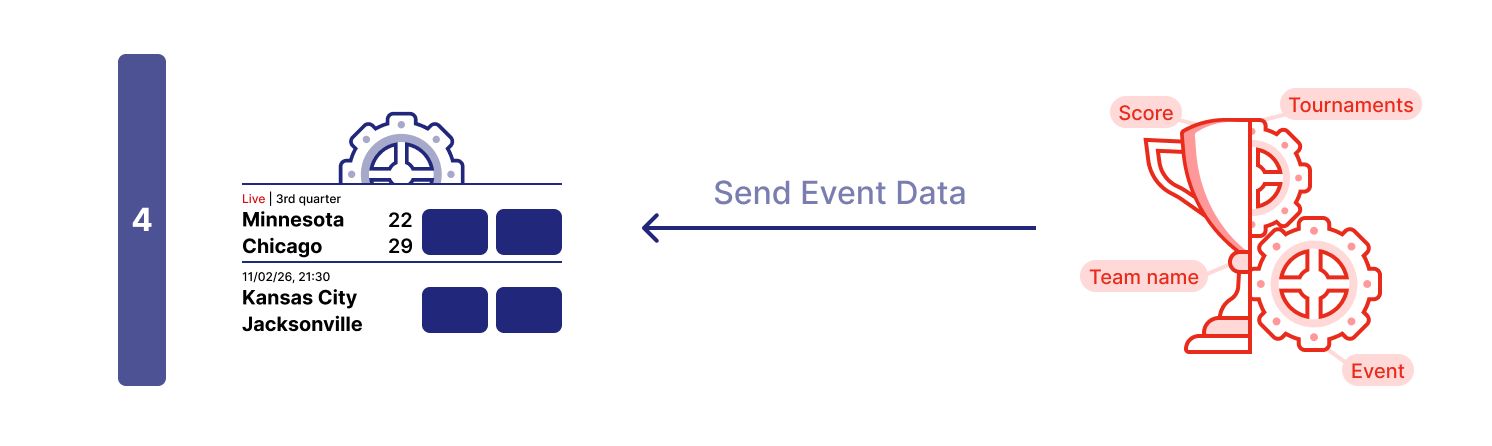
A Self-Service Adapter is a custom integration layer that connects SIR Widgets to your betting data sources. Instead of using Sportradar's hosted adapter, you implement the data fetching logic yourself, giving you complete control over:
* **Data Sources** – Connect to any odds/betting API
* **Data Transformation** – Map your API responses to the widget-expected format
* **Caching Strategy** – Implement your own caching and optimization
* **Real-Time Updates** – Control how and when data refreshes
### Understand the Adapter Structure
The adapter object consists of two primary properties:
* **`config`**: Contains static configuration for widgets, such as layout options and filtering rules.
* **`endpoints`**: A collection of functions that the widget calls to request data (e.g., event details, markets, odds).
```javascript
const adapter = {
config: {
widget: {
'betRecommendation.eventList': {
layout: { /* EventListMarketsConfig */ },
allowedMarkets: { /* SportMarketsMap */ }
},
// ... other widgets
}
},
endpoints: {
event: (args, callback) => {
// Fetch and return event data
// Return optional unsubscribe function
},
eventMarkets: (args, callback) => {
// Fetch and return markets for event
},
market: (args, callback) => {
// Fetch and return specific market
}
// ... other endpoints
}
};
```
[See full type definitions for all endpoints →](/engagement-tools/adapter/types.md)
### Understand the Adapter Data Flow
The following diagram illustrates how data flows from your backend API through the adapter and into the widget.
```mermaid
sequenceDiagram
participant Widget
participant Adapter
participant UserAPI as Your Backend API
Widget->>Adapter: 1. Request Data (e.g. eventMarkets)
Adapter->>UserAPI: 2. Fetch or Subscribe to Data (HTTP/WebSocket)
UserAPI-->>Adapter: 3. Return Raw Data (JSON)
Adapter->>Adapter: 4. Transform to SIR Format
Adapter-->>Widget: 5. Return Data via Callback
Adapter-->>Widget: 6. On new data return it via Callback
```
The adapter acts as a bridge, ensuring that whatever format your API returns is converted into the structure the widget expects.
#### Workflow Breakdown
The widget starts by asking the adapter which markets are available for each event using the `availableMarketsForEvent` endpoint. **Example:** The widget requests available markets for Event A, Event B, and Event C.
The adapter responds to each request with the available markets for that event. **Example:** For Event A, the adapter returns "1x2" and "Spread" markets. For Event B, only "1x2" is available. For Event C, no data is returned (e.g., event expired). The widget displays placeholders while it loads detailed data.
**Data Retrieval Phase:** The widget now requests all the data it needs in parallel. It calls the `market` endpoint for odds and outcomes, the `event` endpoint for event details (like team names and scores), and the `betSlipSelection` endpoint to check the user's current selections. **Example:** For Event A, the widget requests both "1x2" and "Spread" markets. For Event B, it requests "1x2". It also fetches event details for both events and checks the user's bet slip selections.
When the widget receives data from the `event` endpoint, it fills in the placeholders with event information. **Example:** Team names, scores, match period, and start time are displayed.
When the widget receives data from the `market` endpoint, it fills in the odds and outcomes for each market. **Example:** The widget displays the latest odds for each outcome.
When the widget receives data from the `betSlipSelection` endpoint, it updates the UI to reflect the user's current selections. **Example:** If the user has already selected outcome 1 for the "1x2" market in Event A, the widget marks it as selected.
Once all endpoint requests have returned data (or timed out), the widget displays the complete information to the user.
***The sequence above is a general example. Each widget has its own unique data pattern, which is detailed in its specific documentation.***
#### Base Implementation Example
Start with this basic HTML structure to implement your self-service adapter.
### Adapter Implementation
The adapter is a JavaScript object that serves as the interface between your application's data layer and the SIR Widgets. It defines how widgets request data and how your application provides it.
#### Implementing the Adapter Endpoints
Now implement the complete adapter with all core endpoints. Here's the full adapter implementation with mock data:
```html
Self-Service Adapter Demo
Widget will load here...
```
#### Example: Mocked Data Adapter
Here's the complete HTML file with all pieces assembled:
**Code Block**
```html
Self-Service Adapter Demo
Widget will load here...
```
#### Connect to Your API
To connect to your actual betting API, you need to replace the mock data with actual network requests. This typically involves fetching data from your backend and transforming it to match the structure expected by the widget.
```javascript
event: (args, callback) => {
const eventId = args.selection.event;
fetch(`https://your-api.com/events/${eventId}`)
.then(response => {
if (!response.ok) throw new Error(`HTTP ${response.status}`);
return response.json();
})
.then(apiData => {
// Transform your API response to match the expected format
const eventData = {
event: {
id: apiData.id,
date: {
displayValue: formatDate(apiData.startTime),
startTime: apiData.startTime
},
sport: { id: apiData.sportId, name: apiData.sportName },
category: { id: apiData.categoryId, name: apiData.categoryName },
tournament: { id: apiData.tournamentId, name: apiData.tournamentName },
teams: apiData.competitors.map(c => ({ id: c.id, name: c.name })),
isLive: apiData.status === "live"
}
};
callback(undefined, eventData);
})
.catch(error => {
callback(error);
});
return () => {
// Cancel pending request if needed
};
}
```
#### Adding Real-Time Updates
For live events, it is crucial to keep odds and market status up to date. You can achieve this using polling or WebSockets. Here is an example using polling:
```javascript
eventMarkets: (args, callback) => {
const eventId = args.selection.event;
let intervalId;
const fetchMarkets = () => {
fetch(`https://your-api.com/events/${eventId}/markets`)
.then(res => res.json())
.then(data => {
callback(undefined, transformMarketsData(data));
})
.catch(err => callback(err));
};
// Initial fetch
fetchMarkets();
// Poll every 3 seconds for live updates
intervalId = setInterval(fetchMarkets, 3000);
// Return cleanup function
return () => {
clearInterval(intervalId);
};
}
```
### Further Reading
* [Adapter API Reference](/engagement-tools/adapter/types.md) – Complete type definitions for all endpoints
* [Adapter Overview](/engagement-tools/adapter/overview.md) – Architecture and concepts
* [Self-Service Adapter Reference](/engagement-tools/adapter/self-service-implementation.md) – Detailed endpoint documentation
* [Hosted Adapter](/engagement-tools/adapter/hosted-implementation.md) – Alternative approach using Sportradar-managed adapter
### Widget-Specific Tutorials
Once you've completed this general integration tutorial, refer to widget-specific guides for detailed implementation patterns:
* Bet Insights Widget – *Coming soon*
* Bet Recommendation Widgets – *Coming soon*
* Swipe Bet Widget – *Coming soon*
---
# Agent Instructions
This documentation is published with GitBook. GitBook is the documentation platform designed so that both humans and AI agents can read, navigate, and reason over technical content effectively. Learn more at gitbook.com.
## Querying This Documentation
If you need additional information that is not directly available in this page, you can query the documentation dynamically by asking a question.
Perform an HTTP GET request on the current page URL with the `ask` query parameter, and the optional `goal` query parameter:
```
GET https://docs.sportradar.com/engagement-tools/adapter/self-service-implementation.md?ask=&goal=
```
`ask` is the immediate question: it should be specific, self-contained, and written in natural language.
`goal` is optional and describes the broader end goal you are ultimately trying to accomplish on behalf of the user. GitBook uses it to tailor the answer towards what is most useful for that goal.
The response will contain a direct answer to the question and relevant excerpts and sources from the documentation.
Use this mechanism when the answer is not explicitly present in the current page, you need clarification or additional context, or you want to retrieve related documentation sections.